Cassandra’s Fate is a CRPG cooperative video game project started in 2021 by a young studio, Random Synapse Studio, founded by a group of freshly graduated friends with their love for cooperative RPGs.
All the team, espacially the funders, was deeply involved in this project. We didn’t count our time passed on the features, learning day after day, week after week.
We were all juniors, reunited around an objective, ambitious, certainly, and driven by our passion for making and playing video games.
We were looking for financial solutions to continue the development of Cassandra’s Fate. Unfortunately, after a little more than a year, without successfully finding resources to continue,
Cassandra’s Fate had to be put aside and most of the team had to move on. This is, sadly, the true and realistic life of 99.9% of this kind of projects.
You maybe have noticed that I’ve used the pronon “we” instead of “they”, and this is natural to me as we all were so involved that this was OUR project, even as a freelance.
Why did I join the project?
In Septembre 2021, I was finishing more than one year on Unity projects as a freelance, during my 4th and last year of my studies. I absolutely wanted to work with Unreal more seriously.
I heard a ton of good things on this engine and I was convinced that I should learn and cut my teeth with it for the future. In addition, I was really attracted, naturally, by Unreal Engine since a while!
That’s why we found each other with Thibaud Vegreville (project leader of Cassandra’s Fate back then and funder of Random Synapse Studio) and the rest of the team.
I needed a project to build my knowledge, experiment, learn, and I was thirsty about it (and I still really am!). Furthermore, I love cooperative and RPG, this was the perfect project for me!
I found a relentless and determined team, loving to learn as much as I do. I’m proud to say we grew up in the game making together.
During my time on the project, we were really focused on core gameplay mechanics such as the battle system, in turn by turn,
leaving the lore and scenaristic systems behind for the moment (but sadly we never had the time to work on this part seriously).
Thus, I have worked a lot on a thing I truely love in RPG : battle of statistics! Equipment, abilities, statistics,.. So much fun!
I even found myself programming bash scripts to translate excel files into proper CSV format to import in our data system in Unreal Engine and fluidify Game Design process.
See the helper command I could retrieve from our old discord server (I have sadly no more access to the project's cloud drive as I'm writing this in 2025 😔)...
Expand Me
        PS D:\Unreal\Cassandras-Fate\Script> Get-Help .\ExcelConverter.ps1 -full

        NAME
            D:\Unreal\Cassandras-Fate\Script\ExcelConverter.ps1

        SYNOPSIS
            Convert a table located in a worksheet of an excel file into an Unreal formatted CSV.


        SYNTAX
            D:\Unreal\Cassandras-Fate\Script\ExcelConverter.ps1 [[-XLPath] <String>] [[-SheetName] <String>] [[-StartCell] <Int32[]>] [[-OutputFolder] <String>] [[-OutputName] <String>] [-UseRowName]
            [<CommonParameters>]


        DESCRIPTION
            Unreal datatable systeme uses CSV format to import/export. This script can convert part of the GameDesigner's data located in excel files into a format
            that can be imported as DataTable in Unreal, aka CSV.
        PARAMETERS
            -XLPath <String>
                Specifies the path to the excel file.

                Required?                    false
                Position?                    1
                Default value
                Accept pipeline input?       false
                Accept wildcard characters?  false

            -SheetName <String>
                Specifies the name of the worksheet where belong the data table to convert to CSV.

                Required?                    false
                Position?                    2
                Default value
                Accept pipeline input?       false
                Accept wildcard characters?  false

            -StartCell <Int32[]>
                Specifies the left up corner coordinates of the data table to look up for in the worksheet, aka the starting cell. (1,1) by default (A1).

                Required?                    false
                Position?                    3
                Default value                @(1,1)
                Accept pipeline input?       false
                Accept wildcard characters?  false

            -OutputFolder <String>
                Specifies where the output CSV will be saved.

                Required?                    false
                Position?                    4
                Default value                UnrealCSV
                Accept pipeline input?       false
                Accept wildcard characters?  false

            -OutputName <String>
                Specifies the name of the output CSV.

                Required?                    false
                Position?                    5
                Default value
                Accept pipeline input?       false
                Accept wildcard characters?  false
            -UseRowName [<SwitchParameter>]
                The first column of the Unreal DataTable is the "RowName".
                If this parameter is specified, the first column of the table in the excel will be used as the RowName column.

                Required?                    false
                Position?                    named
                Default value                False
                Accept pipeline input?       false
                Accept wildcard characters?  false

            <CommonParameters>
                This cmdlet supports the common parameters: Verbose, Debug,
                ErrorAction, ErrorVariable, WarningAction, WarningVariable,
                OutBuffer, PipelineVariable, and OutVariable. For more information, see
                about_CommonParameters (https:/go.microsoft.com/fwlink/?LinkID=113216).
        INPUTS
            None. You cannot pipe objects to ExcelConverter.ps1.


        OUTPUTS
            If successfull, creates or override (with confirmation) a CSV file into $(Get-Location)/UnrealCSV by default. This can be overrided with the OutputFolder parameter.
            The file name would be as follow if not specified : ExcelFilename_WorksheetName.csv. This can be overrided with the OutputName parameter.


            -------------------------- EXAMPLE 1 --------------------------

            PS>.\ExcelConverter.ps1 -XLPath ./MyExcel.xlsx -SheetName Sheet1


            -------------------------- EXAMPLE 2 --------------------------

            PS>.\ExcelConverter.ps1 -XLPath ./MyExcel.xlsx -SheetName Sheet1 -OutputFolder ./MyOutputFolder -OutputName MyOutput


            -------------------------- EXAMPLE 3 --------------------------

            PS>.\ExcelConverter.ps1 -XLPath ./MyExcel.xlsx -SheetName Sheet1 -UseRowName
I remember that I spent a looooot of time on the User Interface. Nobody, in the programmer team (we were 3..) wanted to do it. And I never did it so I was pretty excited about it (cool, a new thing to learn !).
Back in time, I did a bit of web development because I was satisfying to code and see the results in realtime with HTML/CSS.
In the same way, that’s the reason why I appreciate to build and develop tools for my team: my work is directly in the hands of the user and help him/her!
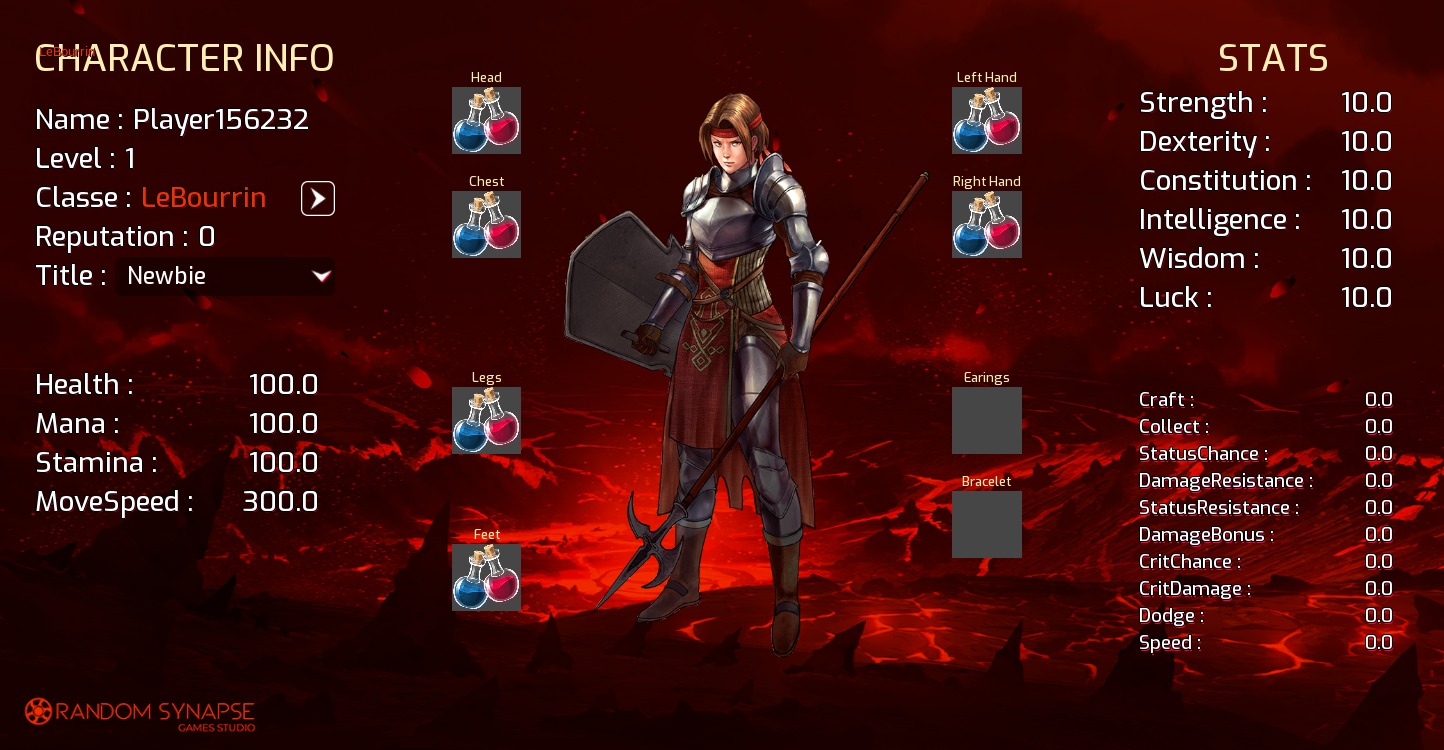
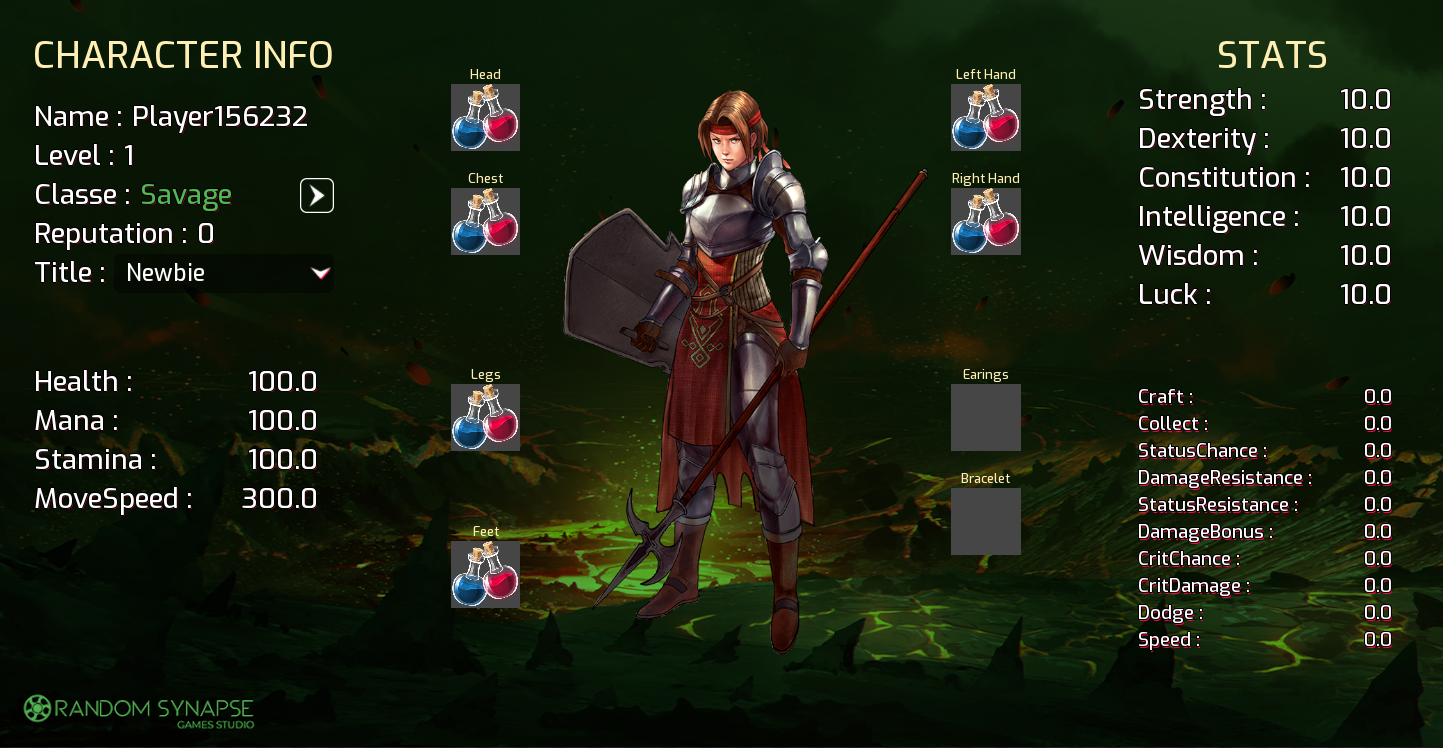
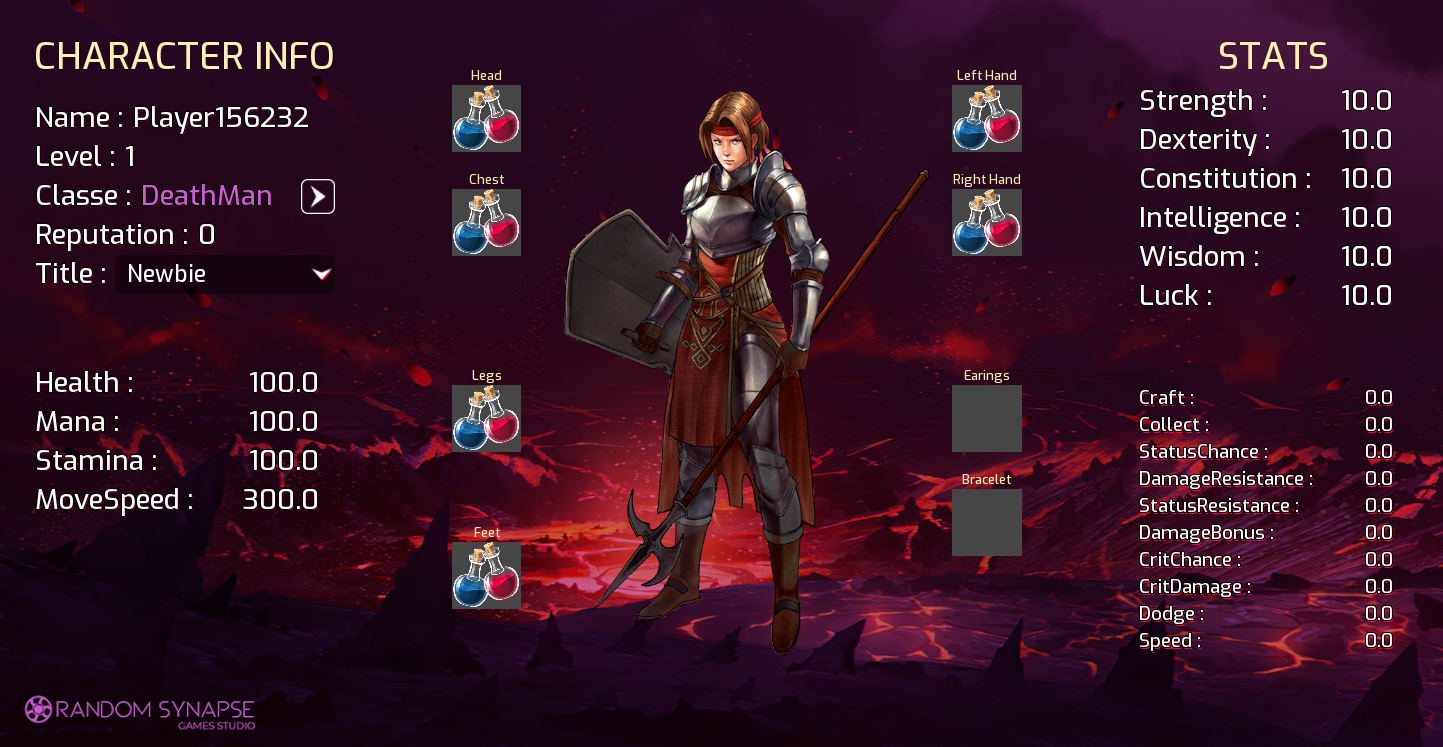
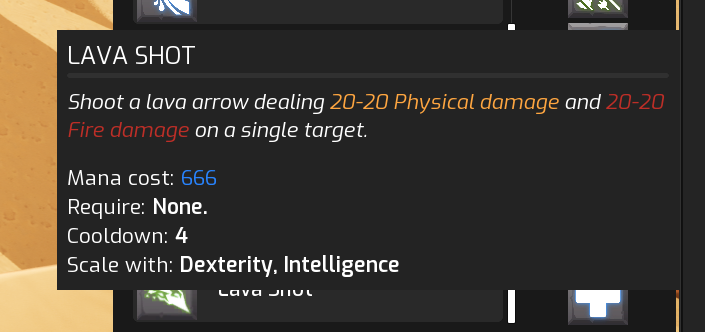
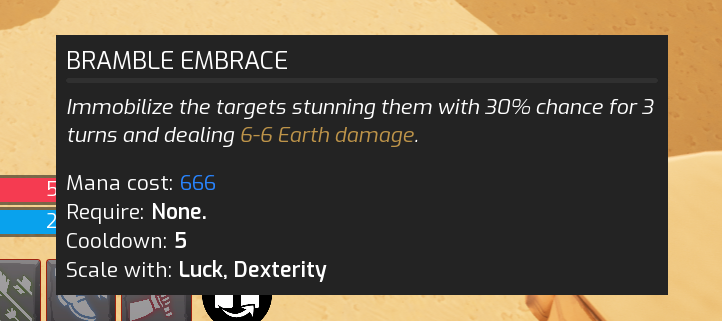
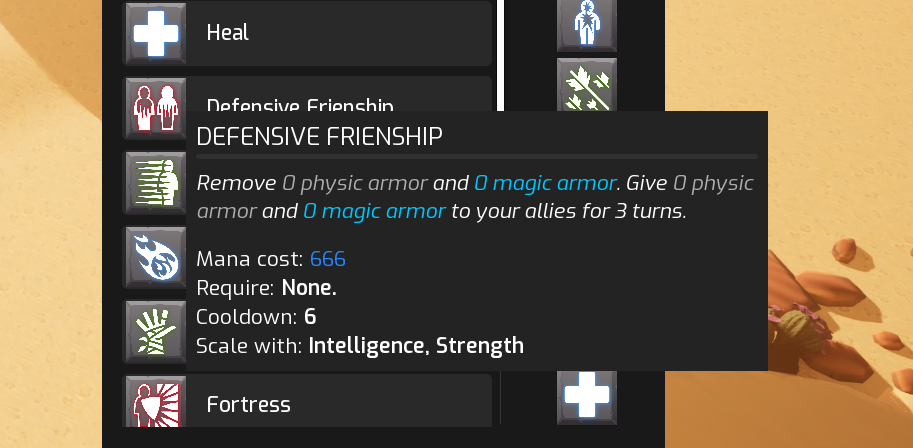
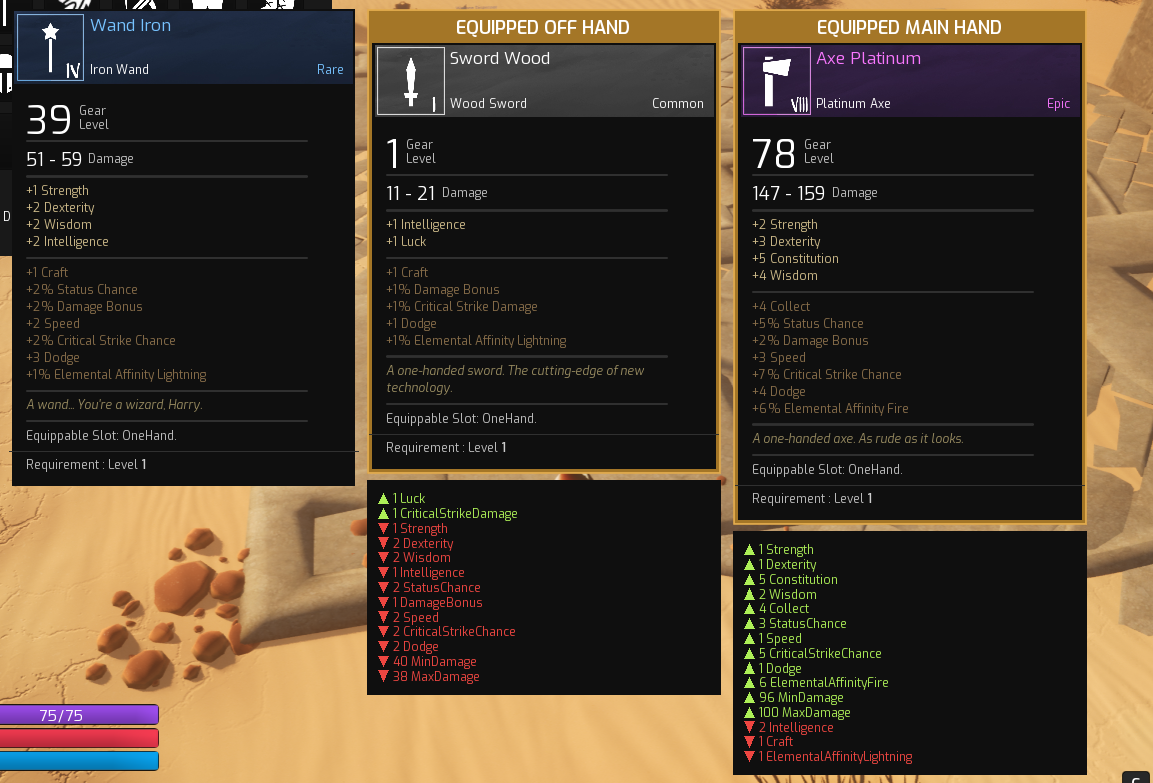
In the early stage, I had to do mockups and placeholder interfaces for the game. It’s really straightforward and classic widgets for an RPG as you can see.
The true challenges was to apprehend the UMG (Unreal Motion Graphics) tool to build-up the interfaces and connect them to the ton of datas we had in the gameplay.
Knowing that we were using the Gameplay Ability System framework.
Notice the humble design change depending on the class you play, amazing 👀
Further back in time, we changed our plan and wanted to have a window/panel system for the interfaces, you know that one, notably from famous MMORPG!
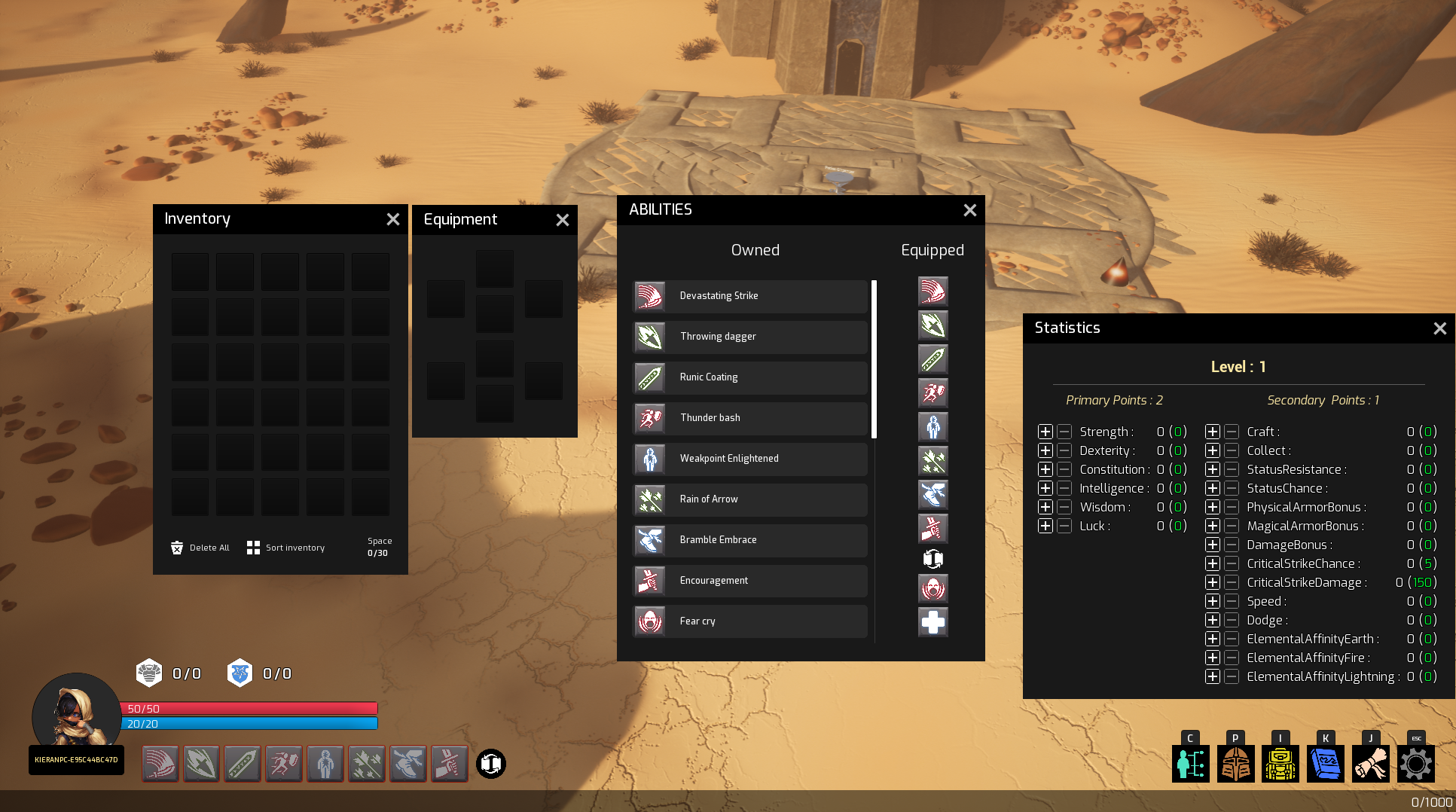
Thus, I developed a complete system from scratch with UMG tools I had at my disposal, mainly using drag and drop system:
The objective was to have windows you can drag and drop anywhere, with focus system and draw priority system, where windows draw on top of each other.
When clicking on a window you can see behind, you regain the focus on it and it brings it back on top of others.
For the widget architecture, I created a parent for all panel widget containing:
the header (which is a button to be able to drag&drop the panel) with the close button
a Named Slot Widget which will be overriden in the childs to create new panels
This way, to create a new panel, it’s as simple as creating a child blueprint of W_BasePanel, and fill the NamedSlot with new content. Panel header’s title will be filled with the Name variable and every panel has now the same behavior with different content, and voilà!
Cassandra’s fate was using a lot of datas for character statistics, attributes, abilities,… We were coupling Data Driven logic, with data assets, and Gameplay Ability System framework to consume those datas.
My additional work on the UI was to
safely retrieve the necessary datas for the widgets,
refresh them correctly,
and in some cases, handle the replication.
Here are some examples of mock-ups for different panels in the game: